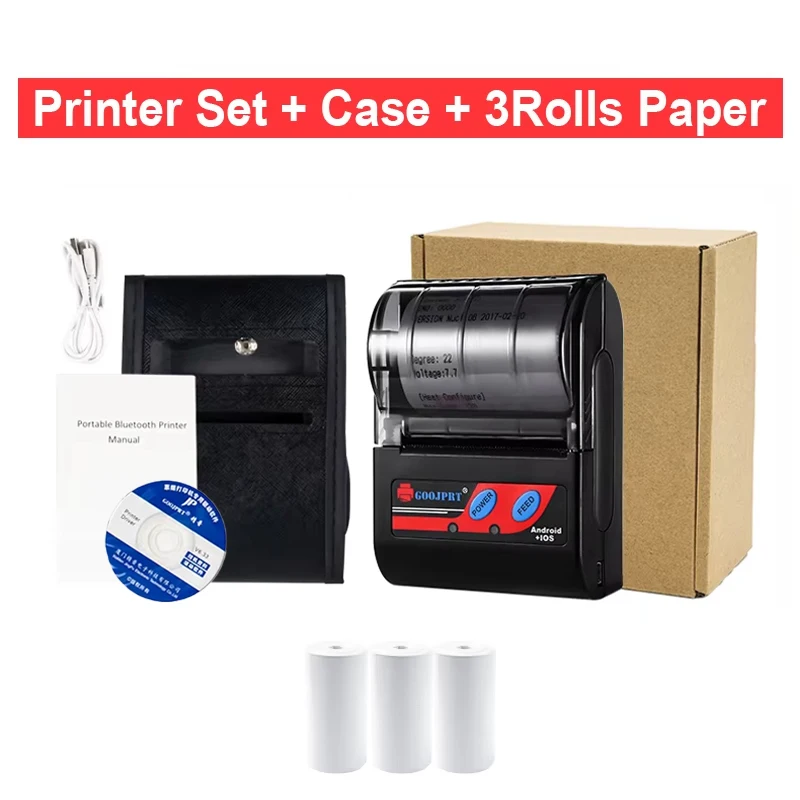
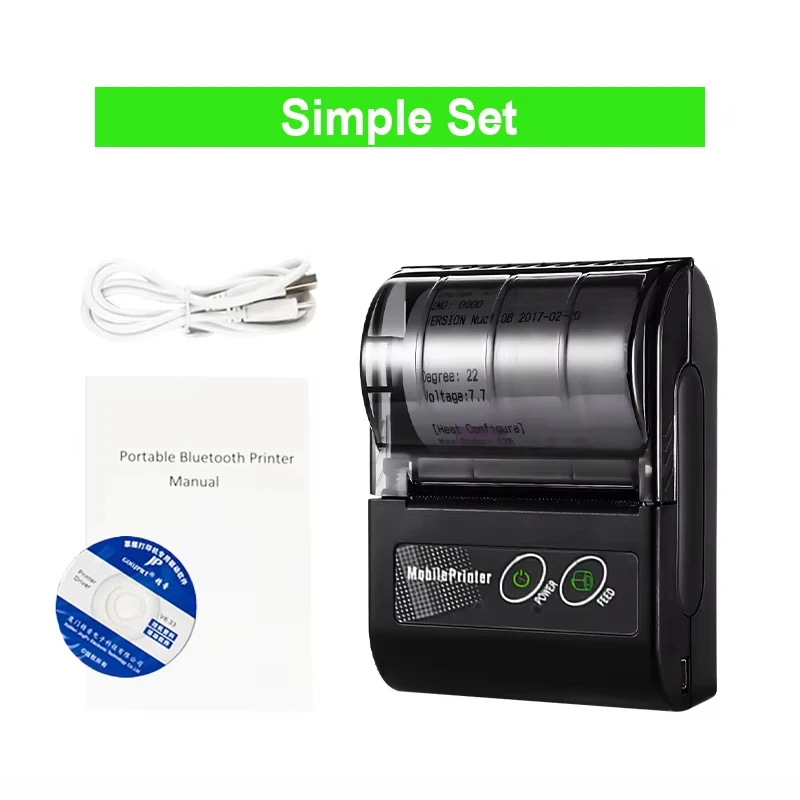
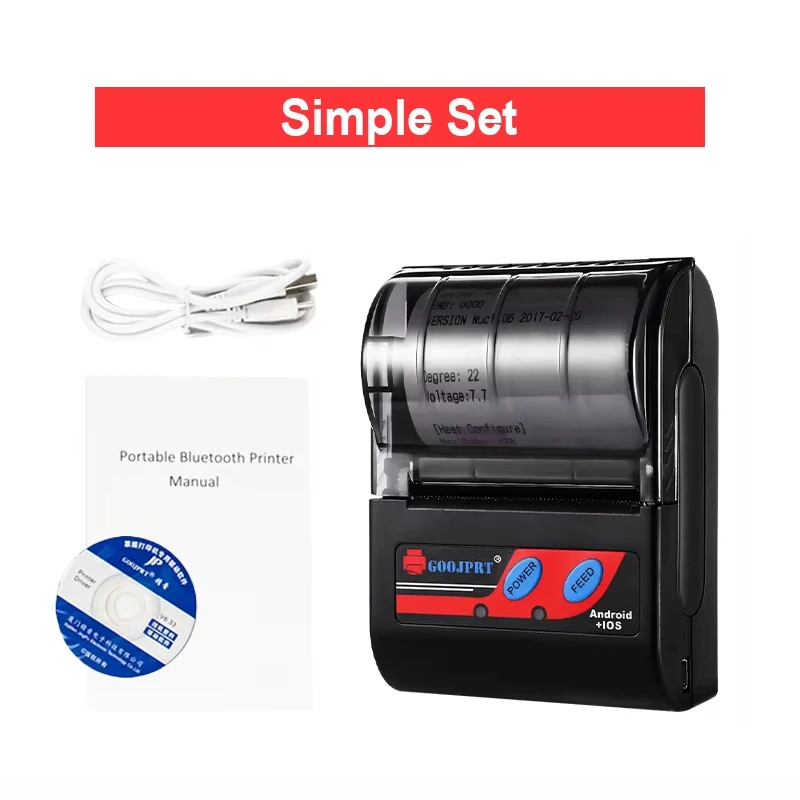
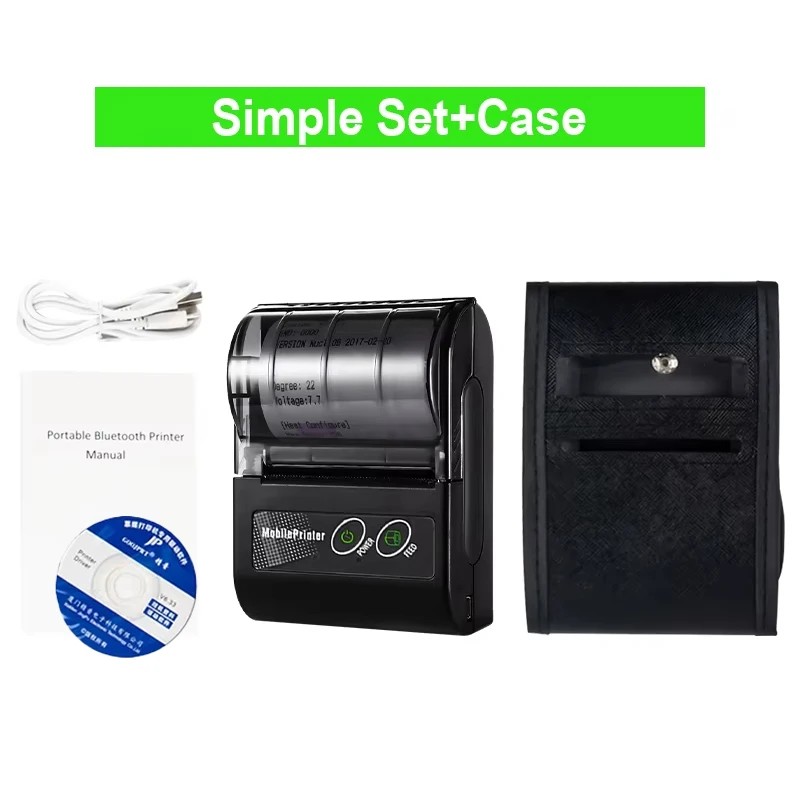
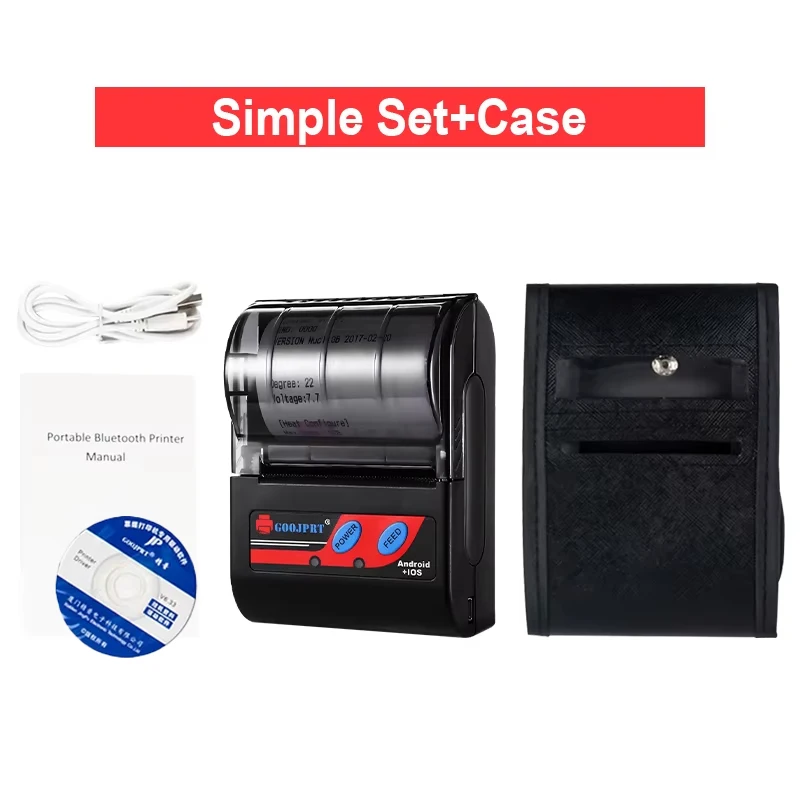
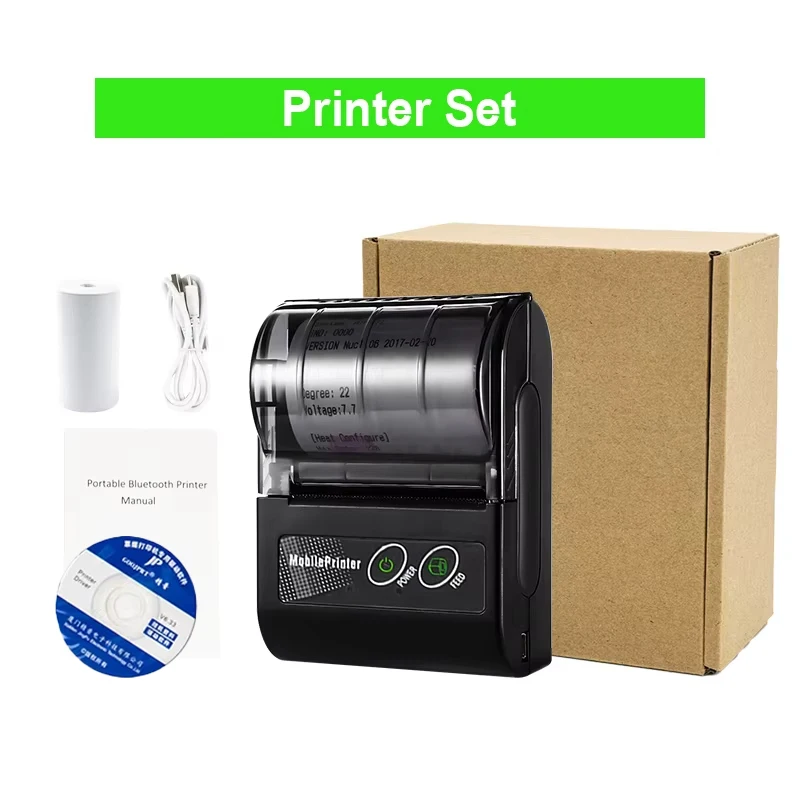
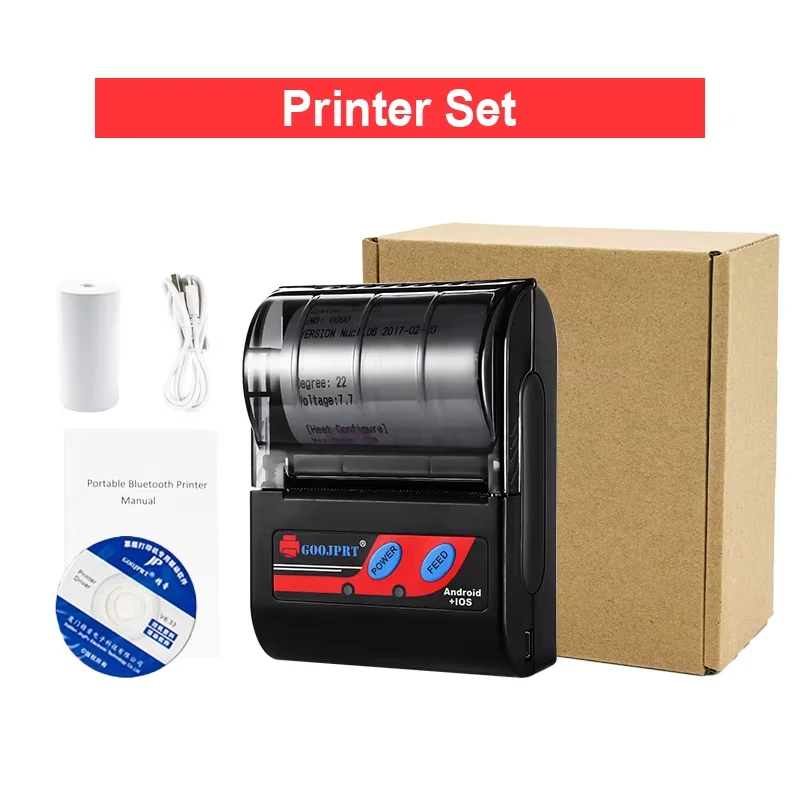
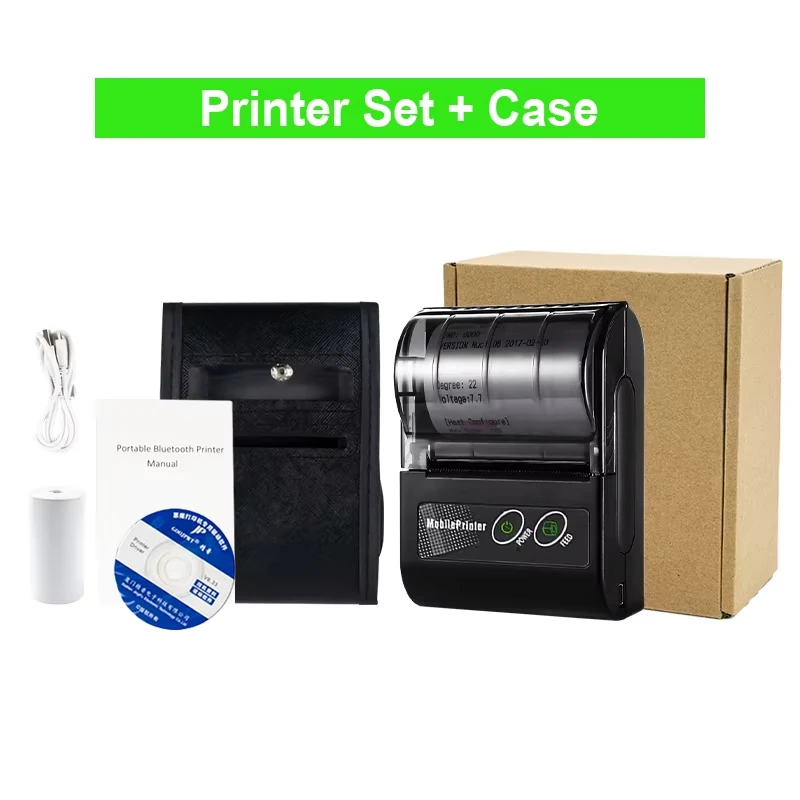
After-sale Service: Shop’s Three Guarantees
Application: For Commercial
Battery Included: Yes
Brand Name: yixinsci
Certification: CE,FCC
Choice: yes
Consumable Type: Thermal Paper
Control Method: Push button,App
Dot Matrix Printer Type: Ticket printers
Double-sided Printing: No
High-concerned chemical: none
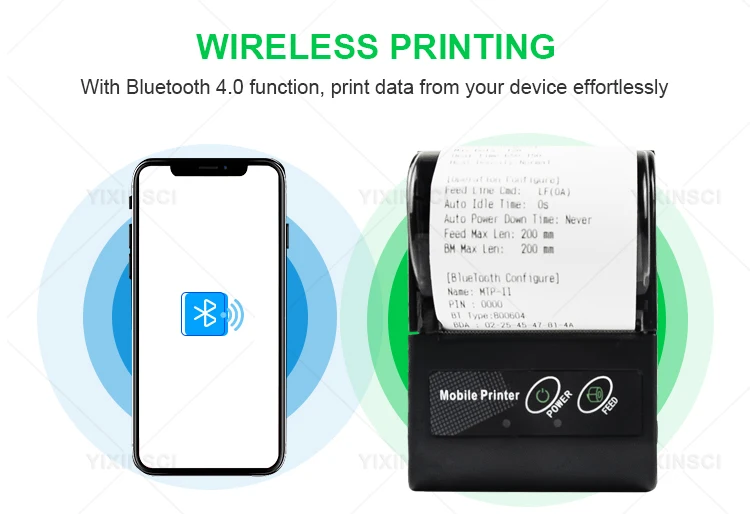
Interface Type: Bluetooth
Internal Memory: None
Max Paper Size: 58mm
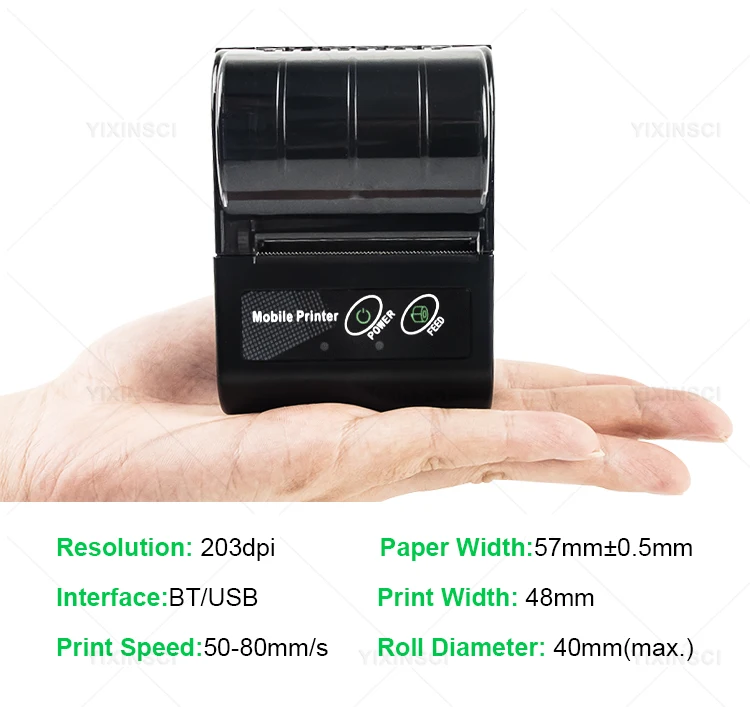
Max. Resolution: 203dpi
Origin: Mainland China
Paper Feed Mode: Roll Feed
Print Speed: 24ppm
Signal Connection Type: Bluetooth
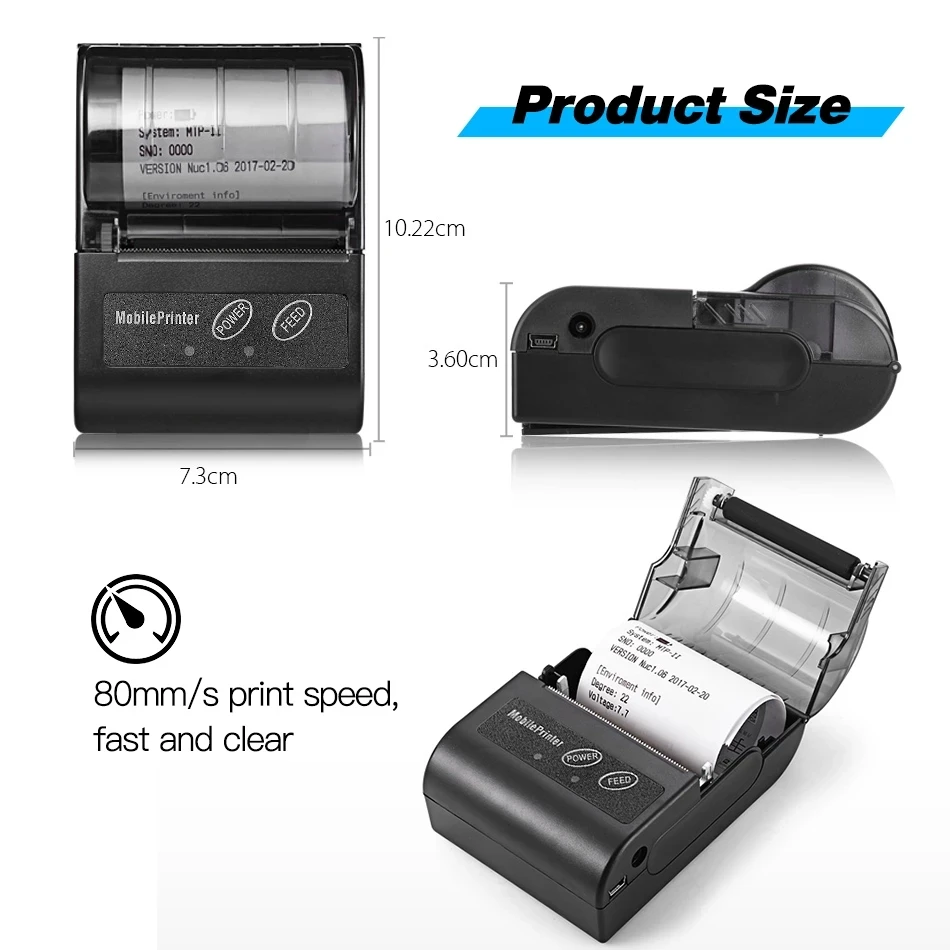
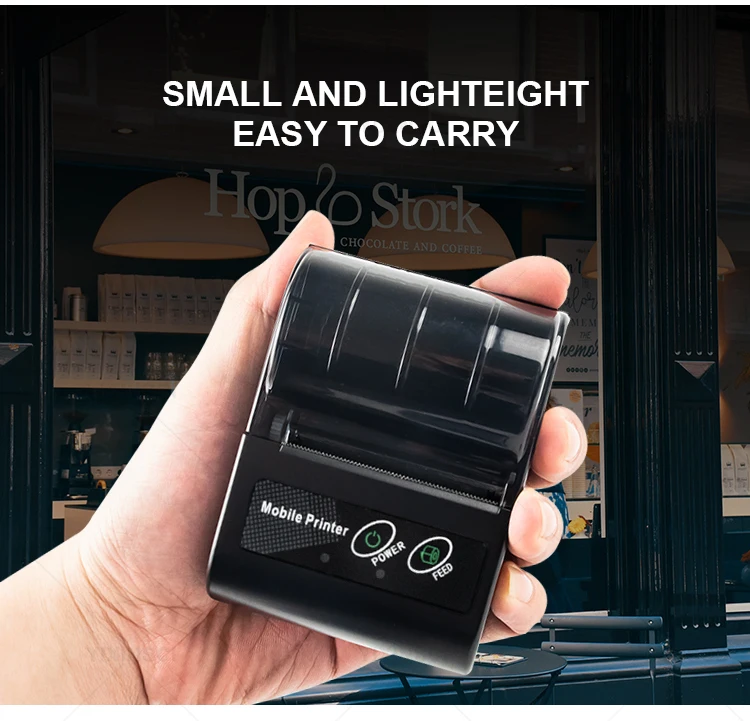
Size: 10.2 * 7.4 * 4.5cm
Supports Network Printing: Wired/Wireless
Type: Thermal Printer
Use: Thermal Printer
Voltage: Below 50V AC / 75V DC
semi_Choice: yes
Features:
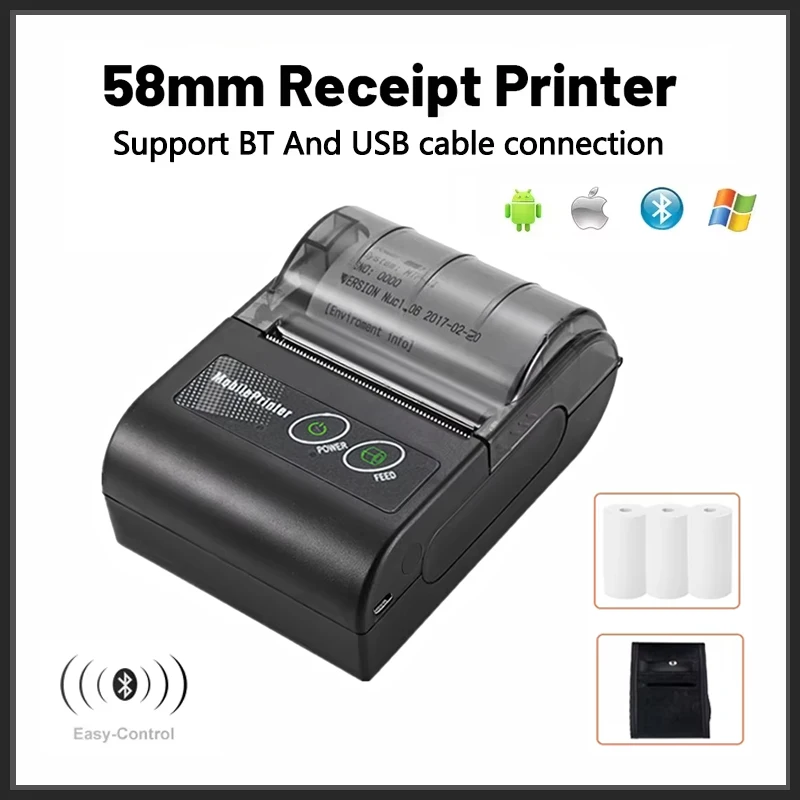
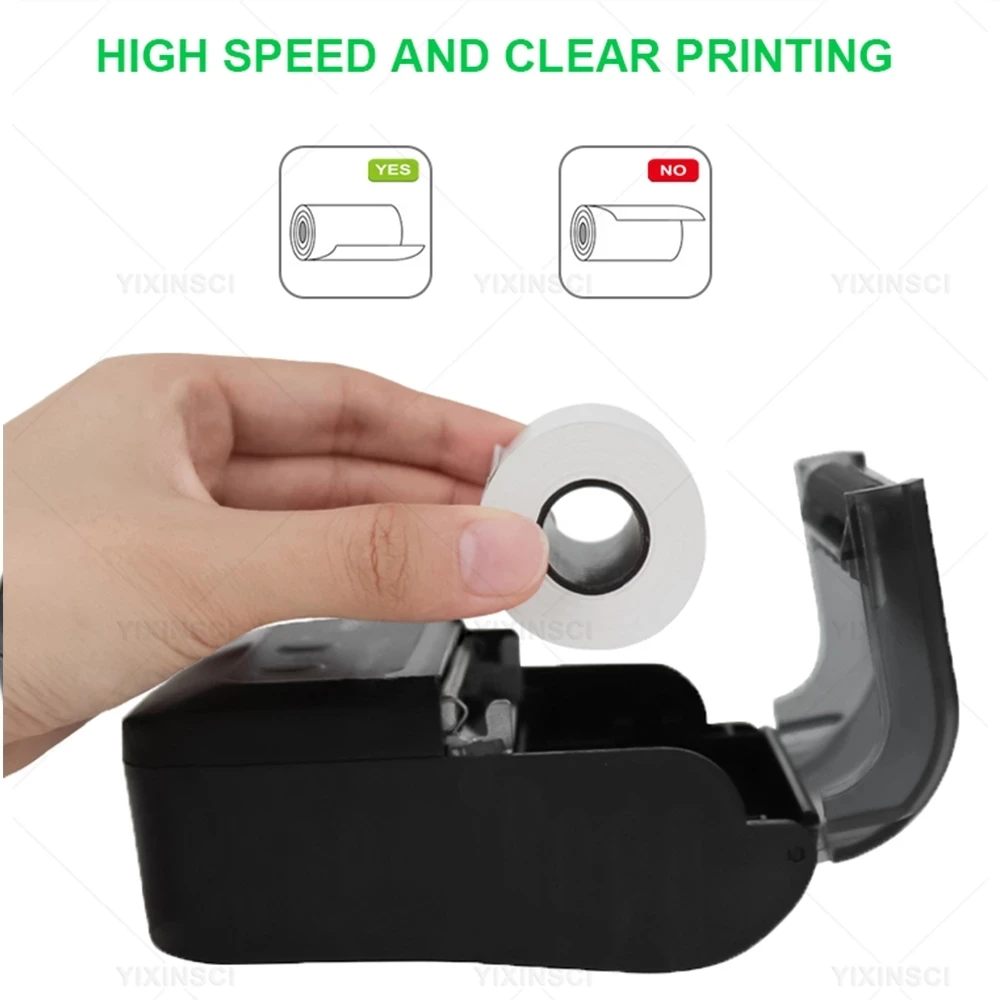
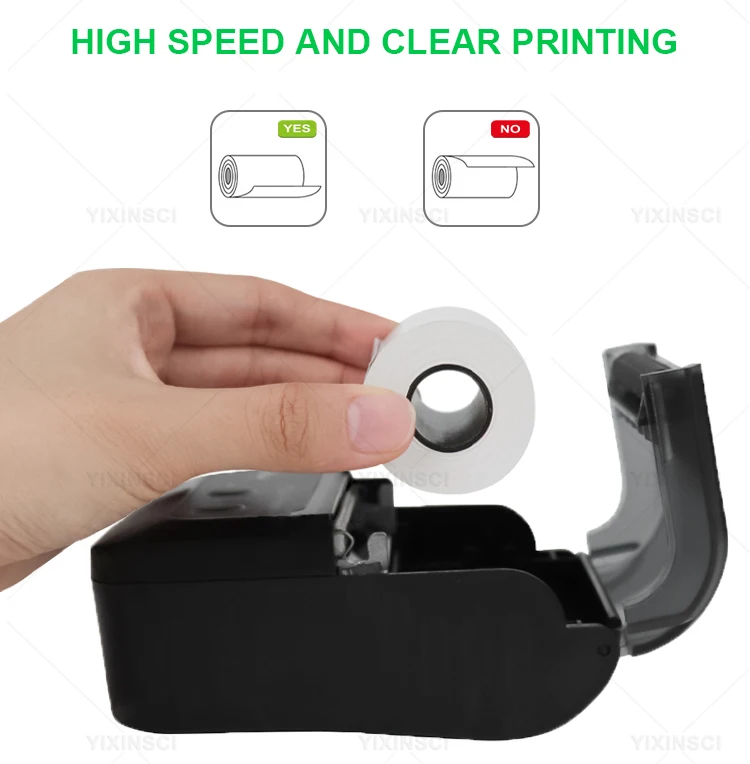
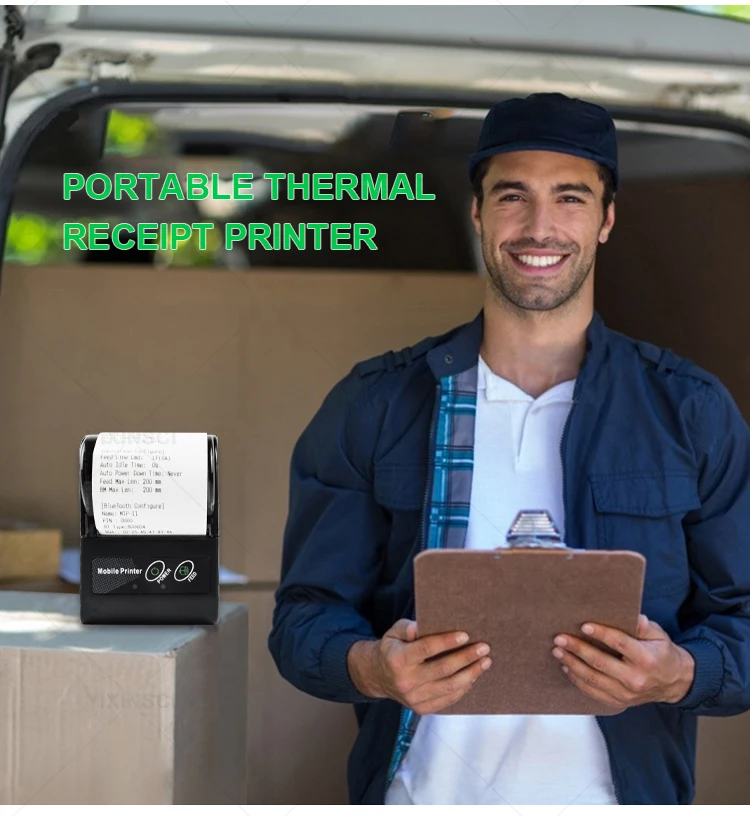
Thermal receipt printer, 48mm print width, 50-80mm/s print speed, clear printing and high efficiency.
Direct thermal printing, eliminating the need of ink cartridge or consumable, environmental friendly and money saving.
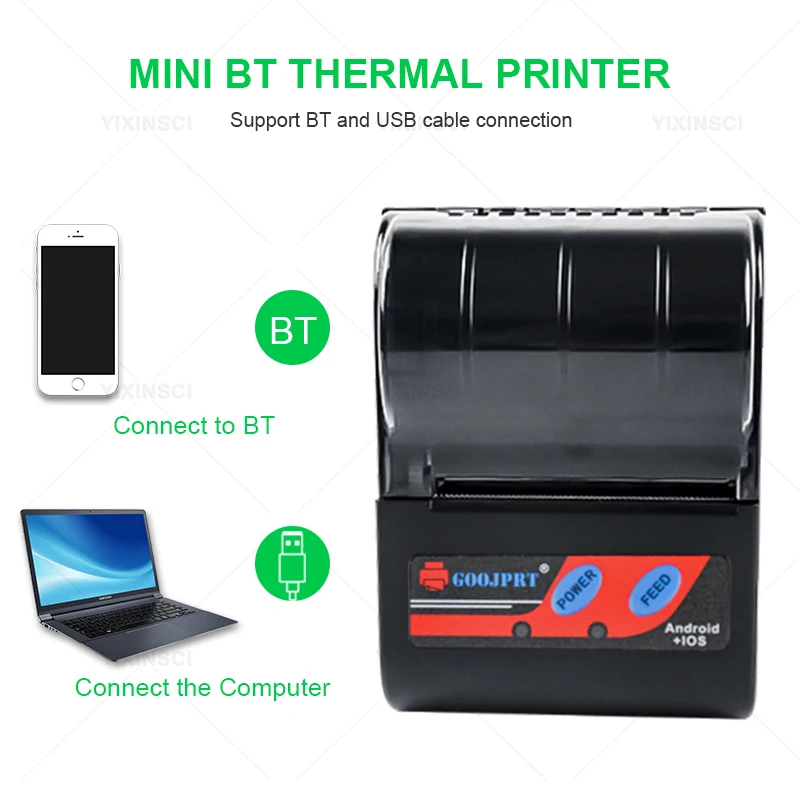
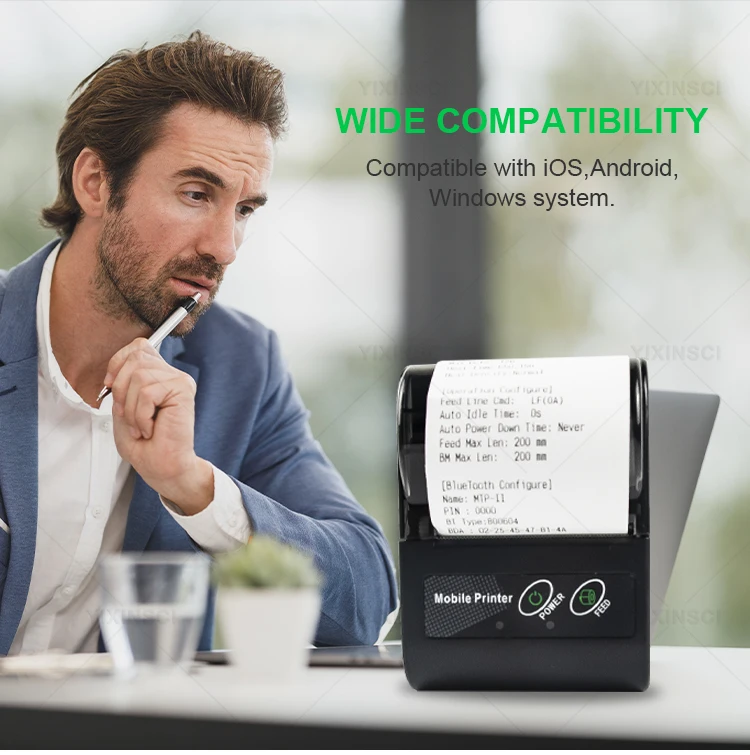
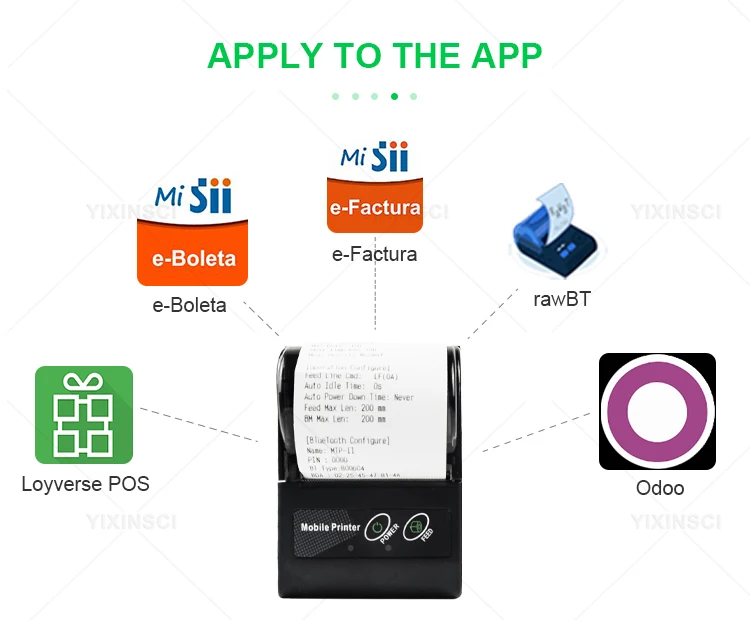
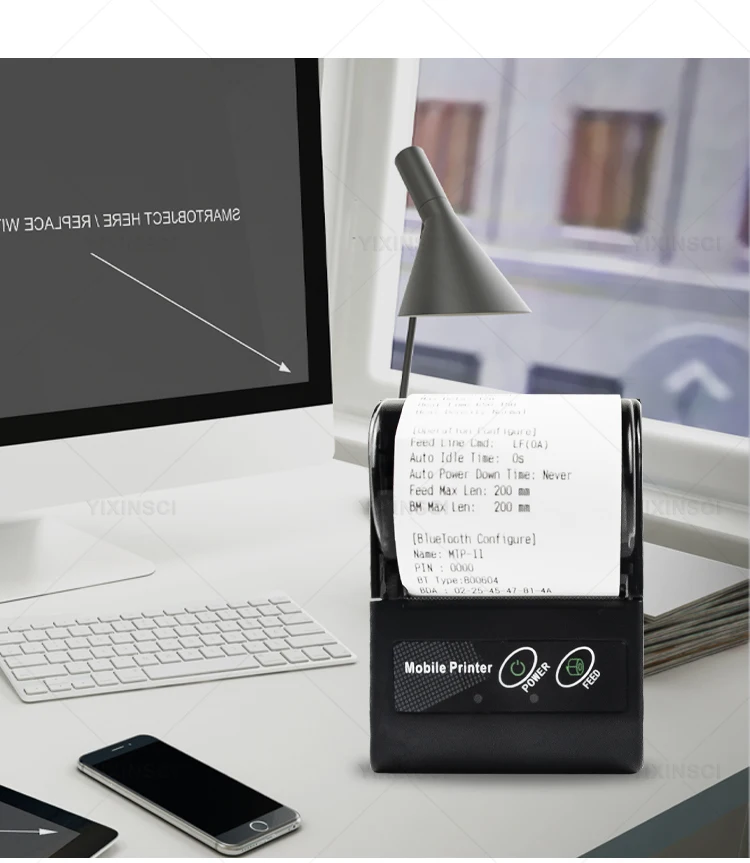
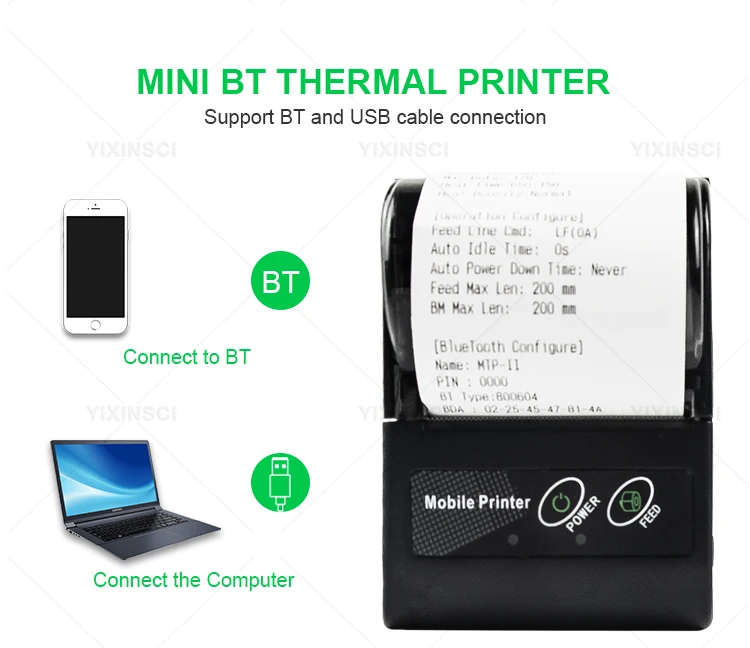
USB and Bluetooth connection, support edit with "DLabel"(software or APP), support ESC/POS command, compatible with Windows XP/7/8/10, Android, iOS.
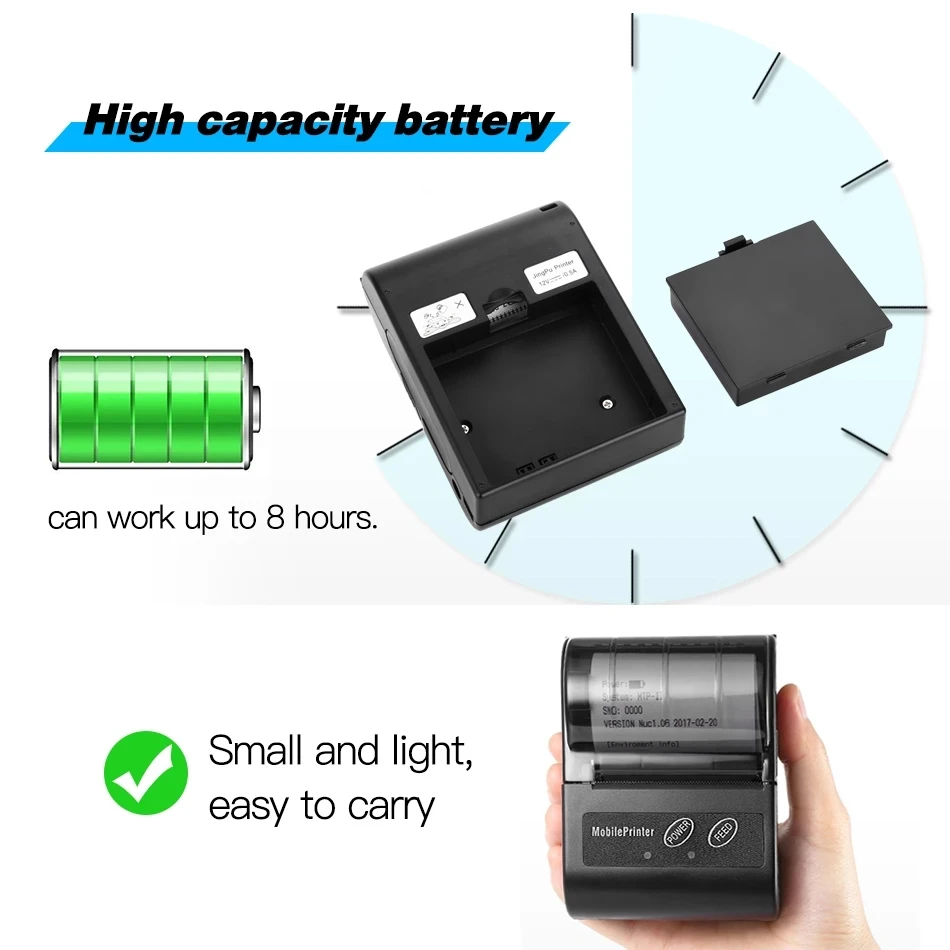
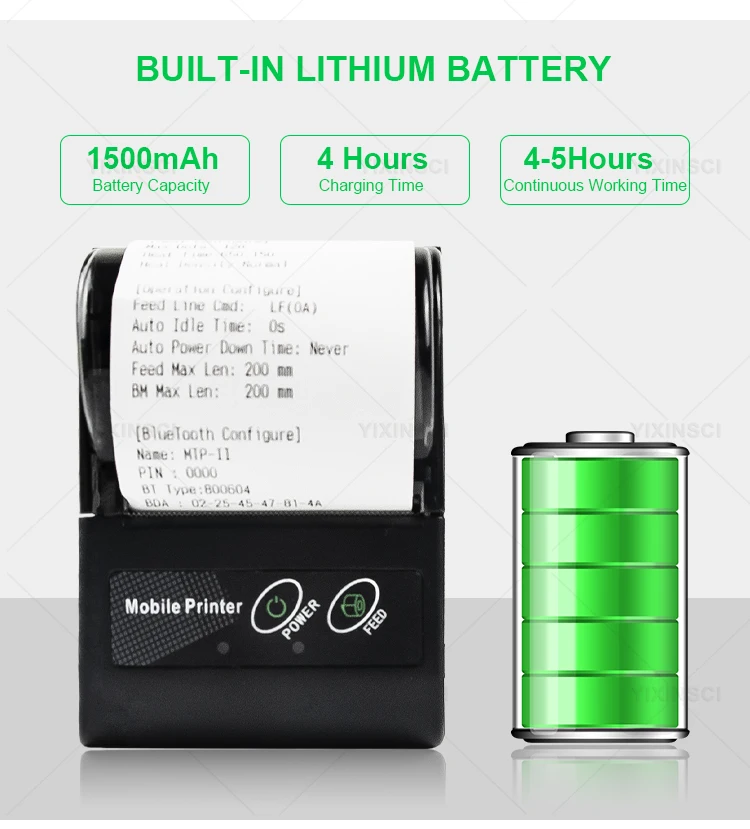
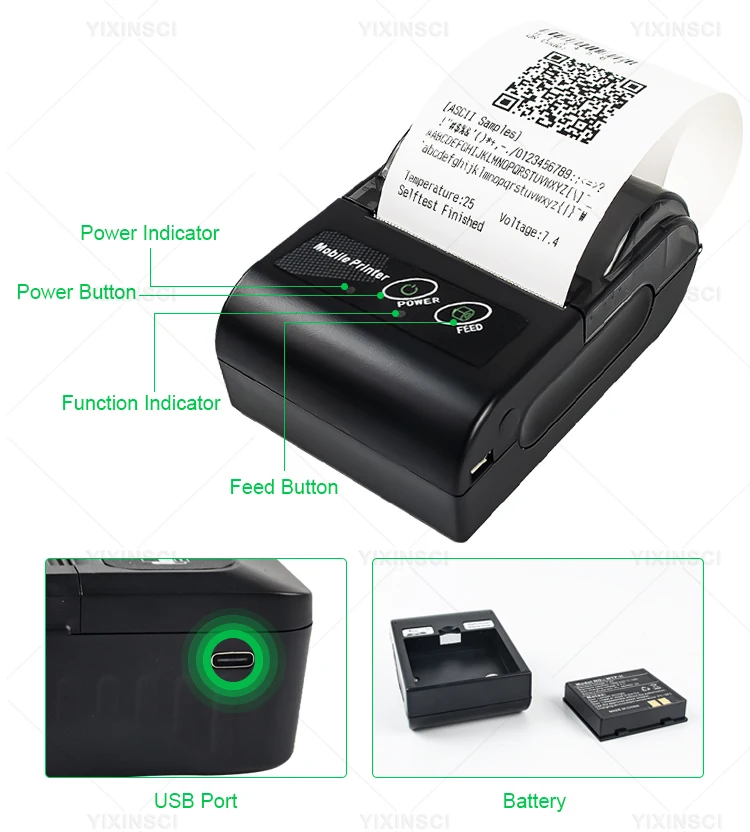
Built-in 1500mAh lithium battery, once fully charge can be used for 10 hours continuously, you can print anytime and anywhere.
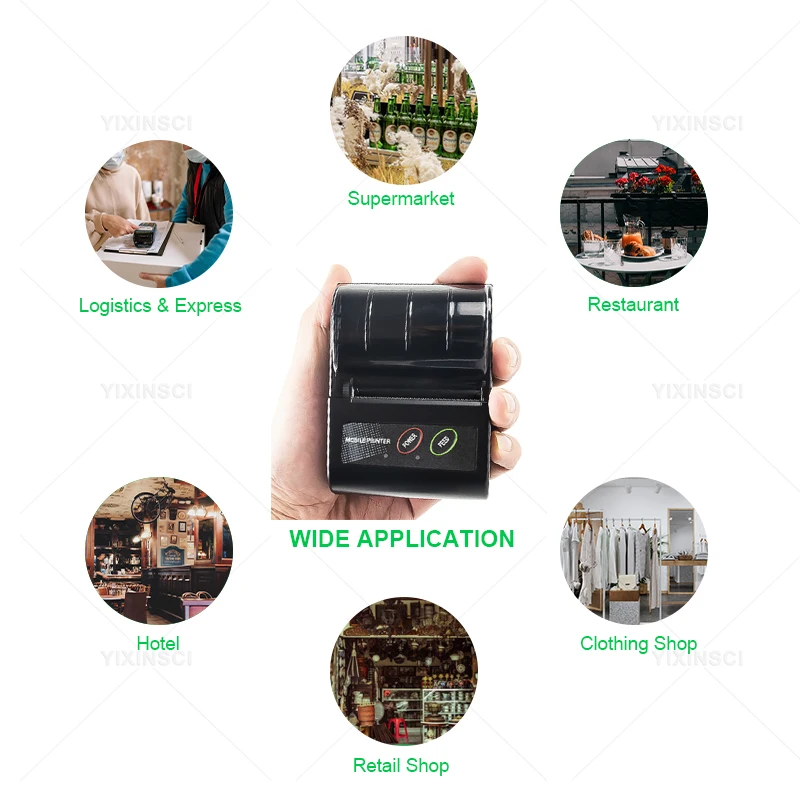
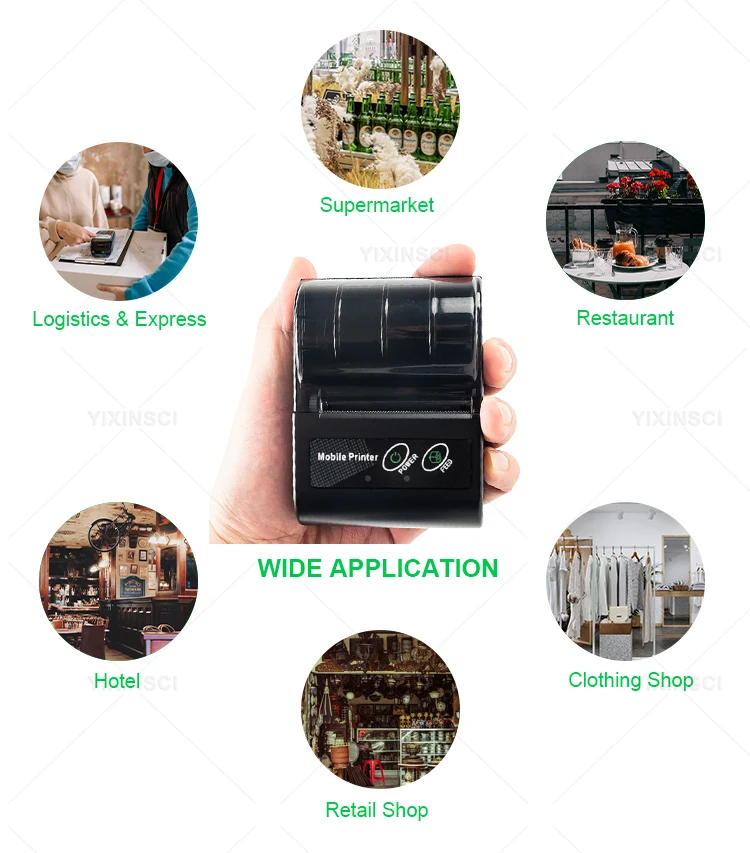
Widely used in Lable Receipt Shipping Exrpress , supermarket, shopping mall, restaurant, cafe, bank for printing receipt, post receipt, order, barcode, etc.
Specifications:
Material: ABS + PMMA
Print Mode: Thermal Line Printing
Paper Width: 58mm
Print Width: 48mm
Print Density: 384 dot/line
Print Speed: 50-80mm/s
Roll Diameter: Max. 40mm
Interface: USB + Bluetooth
Print Command: ESC/POS
Operating System: Windows XP/7/8/10, Android, iOS
Voltage: DC 5V, 2A
Battery: Built-in 7.4V, 1500mAh Lithium Battery
Charging Time: 4 hours
Standby Time: 48 hours
Working Environment: Temperature: -10-50℃, Humidity: 20-85%
Storage Environment: Temperature: 15-20℃, Humidity: 45-75%
Please download the APP before use.
(Tips: iOS and Android systems support different sets of software. Do not download applications incompatible with your phone.)
Android: DLabel, Print Label, Loyverse POS
iOS: POS Printer, CaysnPrinter(demo app), Print Label
Important Note: After receiving the printer, you must first remove the insulating tape before you can use it normally; otherwise, it will not be able to be turned on, charged, or printed!!!

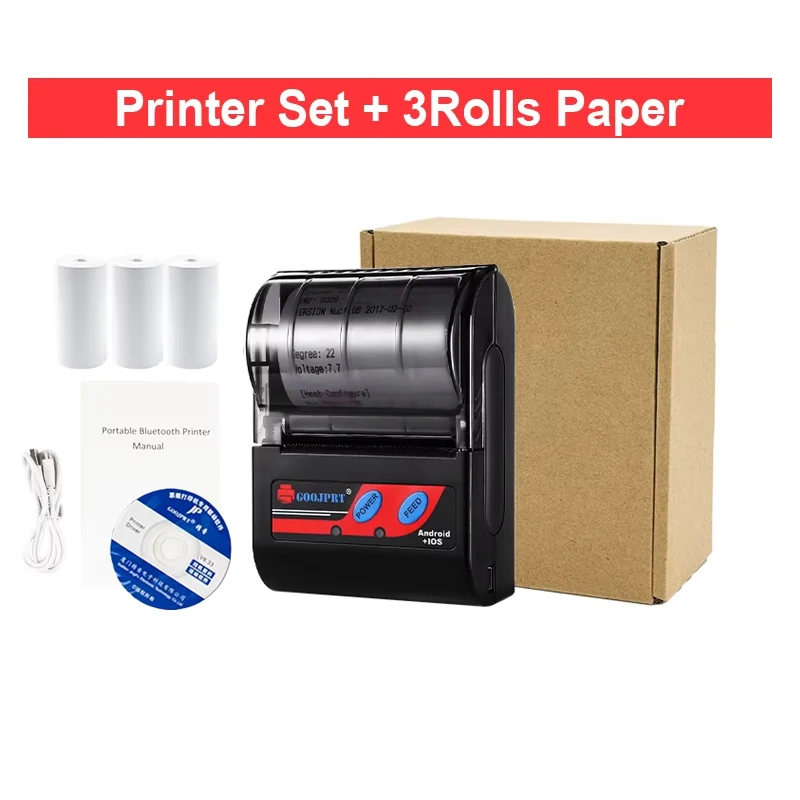
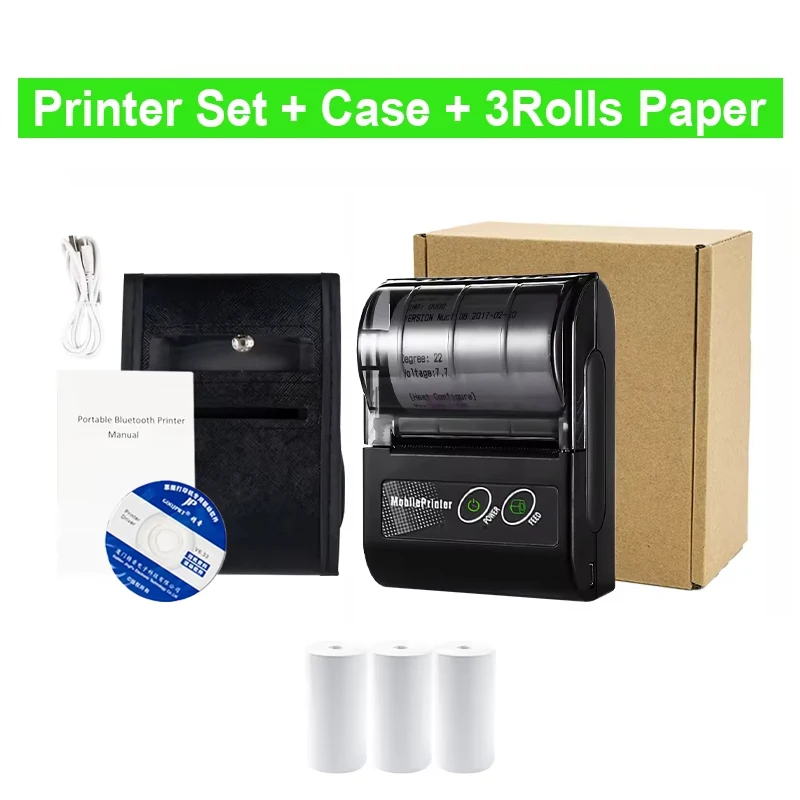
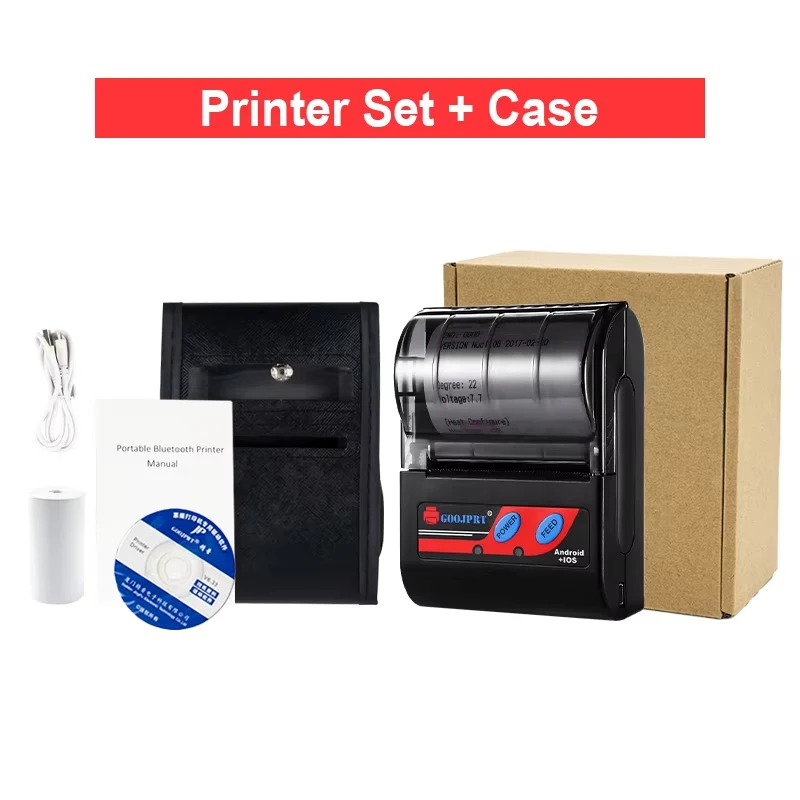
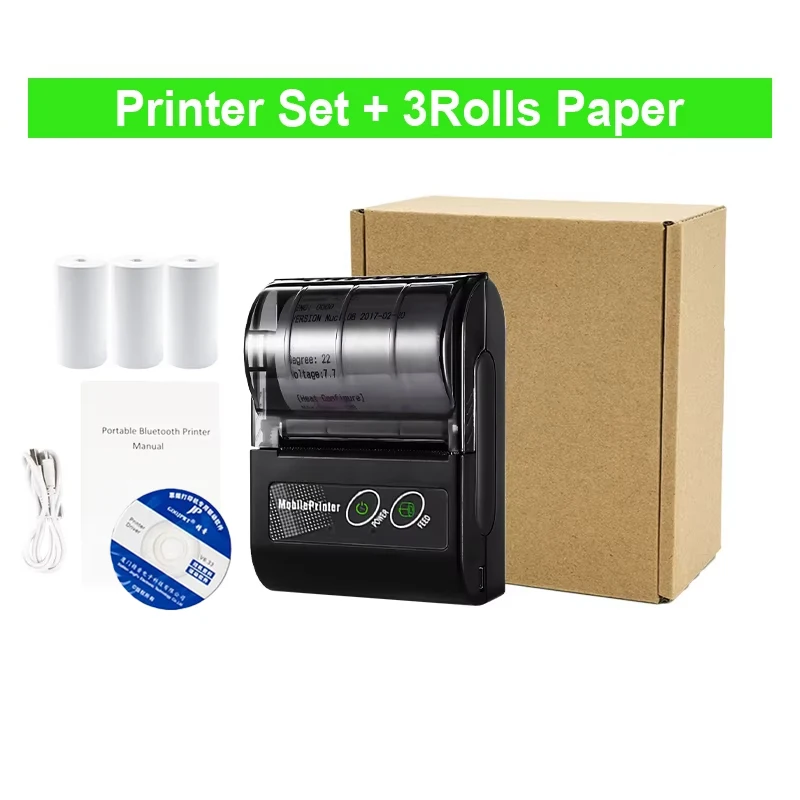
| color | Red And 3 Rolls, Black 3 Rolls Cover, Red 3 Rolls Cover, Black Simple Set, Red Simple Set, Simple Set And Cover, Simple Set And Cover 1, Black Standard Set, Red Standard Set, Black And Cover, Red And Cover, Black And 3 Rolls |
|---|


Reviews
There are no reviews yet.